

Ein MySQL Dump eignet sich perfekt dafür auf einem UNIX oder Linux System ein MySQL Backup zu erstellen, da keine weitere Software benötigt wird. Doch wie sind die Optionen, die beim mysqldump Befehl angegeben werden müssen? Ich vergesse es auch immer wieder, so dass ich mir hier im Beitrag ein Gedankenstütze baue. Ich bin mir sicher, dass Du auch davon profitieren kannst. In diesem Beitrag findest Du praxisnahe Beispiele für den Aufruf von mysqldump. Solltest Du noch Fragen offen haben, darfst Du mich gern kontaktieren.
Inhalt
- mysqldump Export (Datenbanksicherung)
- MySQL Dump aller Datenbanken
- MySQL Dump einer speziellen Datenbank
- Mehrere Datenbanken mit MySQL Dump sichern
- Nur eine einzelne Tabelle einer Datenbank mit MySQL Dump sichern
- Die Größe eines MySQL Dump verkleinern
- Ein MySQL Dump automatisch per cron-Job ausführen (inkl. gzip packen)
- MySQL Dump Einspielen (Import / Rücksicherung der Datenbank)
mysqldump Export (Datenbanksicherung)
Es gibt drei Möglichkeiten mysqldump aufzurufen:
$> mysqldump [options] db_name [tables]
$> mysqldump [options] --databases db_name1 [db_name2 db_name3...]
$> mysqldump [options] --all-databases
MySQL Dump aller Datenbanken
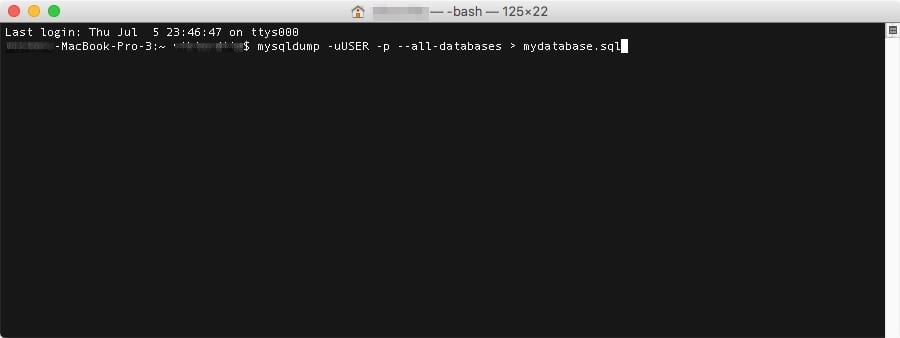
Folgende mysqldump Zeile speichert alle Datenbanken, die für den User „USER“ freigegeben sind in der Datei my-mysql-dump.sql
mysqldump -uUSER -p --all-databases > my-mysql-dump.sql
MySQL Dump einer speziellen Datenbank
Folgende mysql dump Zeile speichert nur die Datenbank mydatabase1 in der Datei my-mysql-dump.sql – der User „USER“ muss darauf Zugriff haben.
mysqldump -uUSER -p mydatabase1 > my-mysql-dump.sql
Mehrere Datenbanken mit MySQL Dump sichern
Um mehrere, einzelne Datenbanken mit allen Tabellen zu sichern:
mysqldump -uUSER -p
          --databases db_name1 db_name2 db_name_n > my-mysql-dump.sql
Nur eine einzelne Tabelle einer Datenbank mit MySQL Dump sichern
Wenn Du nur eine einzelne Tabelle table_name aus einer Datenbank database_name sichern willst:
mysqldump -uUser -p mydatabase1 table_name > my-mysql-dump.sql
Die Größe eines MySQL Dump verkleinern
Oft sind MySQL Dumps sehr groß. Meine Sicherungen liegen bspw. im Schnitt bei 3 GB. Das liegt daran, dass MySQL Daten unkomprimiert ablegt. Solltest Du die .sql Daten dann per SFTP oder einem anderen Dienst vom Server bewegen wollen, dann macht es sehr viel Sinn dieses vorher zu komprimieren. Am besten kannst Du dann die sql Datei(en) mit tar.gz packen. Das reduziert bei mir die unkomprimierte Größe von 3GB auf einige wenige hundert MB.
Das kannst Du gleich beim Erstellen des Dumps machen:
mysqldump -uUser -p mydatabase1 table_name | gzip -c > my-mysql-dump.sql.gz
Ein MySQL Dump automatisch per cron-Job ausführen (inkl. gzip packen)
Das was sich ändert: Du musst das Password direkt mit eintragen und Du muss den User uals auch PAsswort mit “ escapen:
mysqldump -u 'User' -p 'Password' mydatabase1 table_name | gzip -c > my-mysql-dump.sql.gz
MySQL Dump Einspielen (Import / Rücksicherung der Datenbank)
Mit PHPMyAdmin lassen sich nur SQLDumps kleiner 2MB wieder in die mySQL Datenbank zurück importieren. Hat meine eine größere Sicherung bekommt man die folgende Fehlermeldung:
„You are not able to import large files (>2MB) via PHPMyAdmin. To do so, you have to import your sql file with the mysql client“
Um dennoch die gesamte Sicherung einfach einzuspielen, muss man den SQL Dump nur per SSH in der Shell wie folgt wieder einspielen:
mysql -uUSER -p mydatabase1 < my-mysql-dump.sql
Letzte Änderung: